
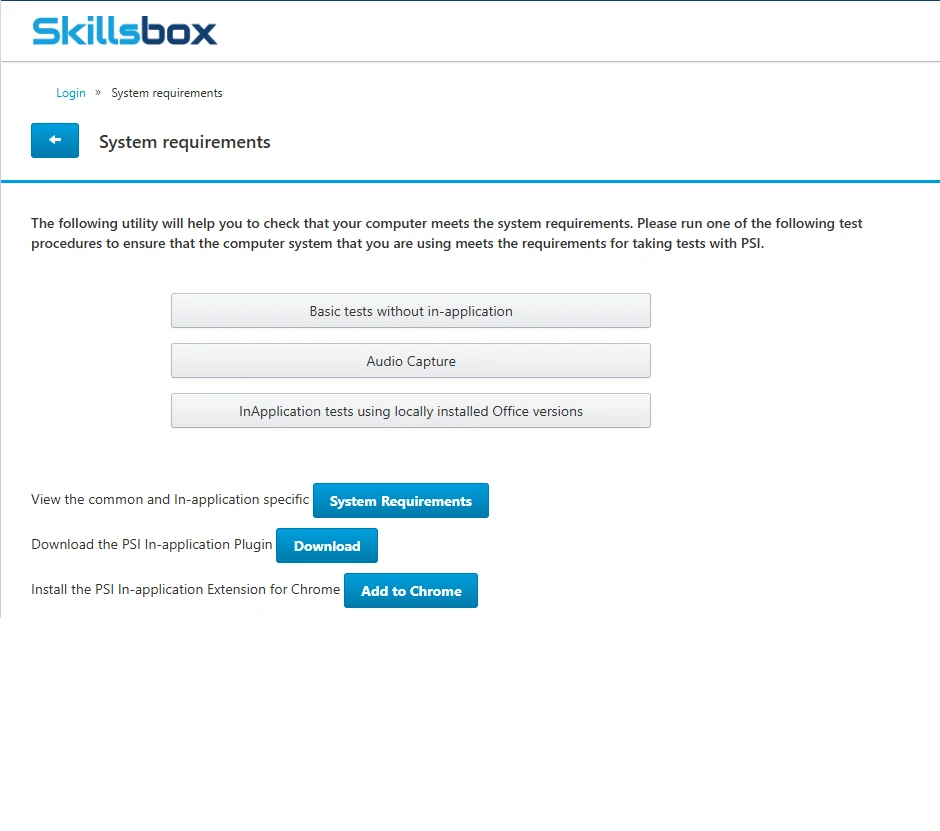
installing necessary plugins
To ensure the ICDL program runs correctly, additional plugins are required. These plugins enable essential features and allow the system to function as intended.
Please click the link below to watch a short video guide on how to install the required plugins.
Video link
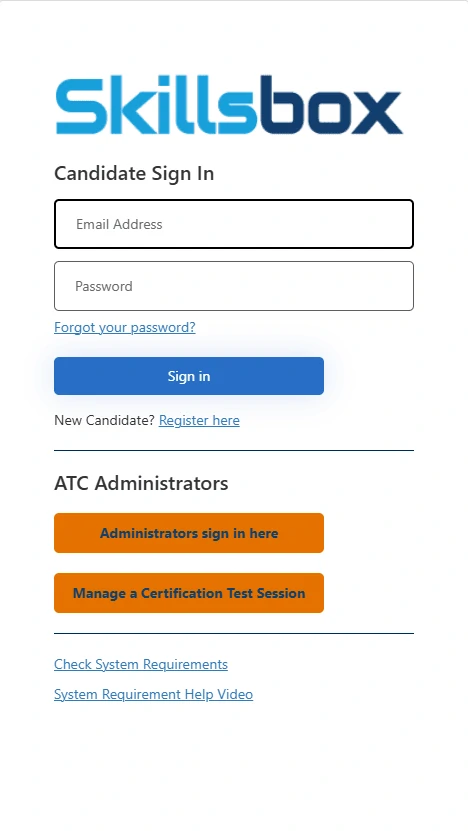
Log in to your ICDL account
Students who already have ICDL accounts can access the platform by logging in through the official portal.
Please click the link below to proceed to the ICDL login page.
Access ICDL
Having Trouble Logging In or Want to Give Feedback?
If you are experiencing any issues logging into the ICDL system or would like to share your feedback, please feel free to contact us at icdl@stbakhita.ac.ke
We are here to assist and value your input.